
New Play
With the New Play action, users can add their solutions to Playground. A play can be created in the following ways (some depend on what your Playground admin has enabled):
| Way | Guide |
|---|---|
| From a Salesforce org | Via Salesforce |
| From a Salesforce package | Via Salesforce Package |
| From VS Code | Via VS Code Extension |
| From a zip file | Via Zip |
| From a repository | Via Public Repository |
To group existing plays together instead, see Packs. The sections below describe the repository and Salesforce options in more detail.
Import using Private repos
This option is only supported for private exchange. With this way, users can link/upload their existing repositories in their work's source control quickly and make them deployable. With two simple steps, it can be easily achieved.
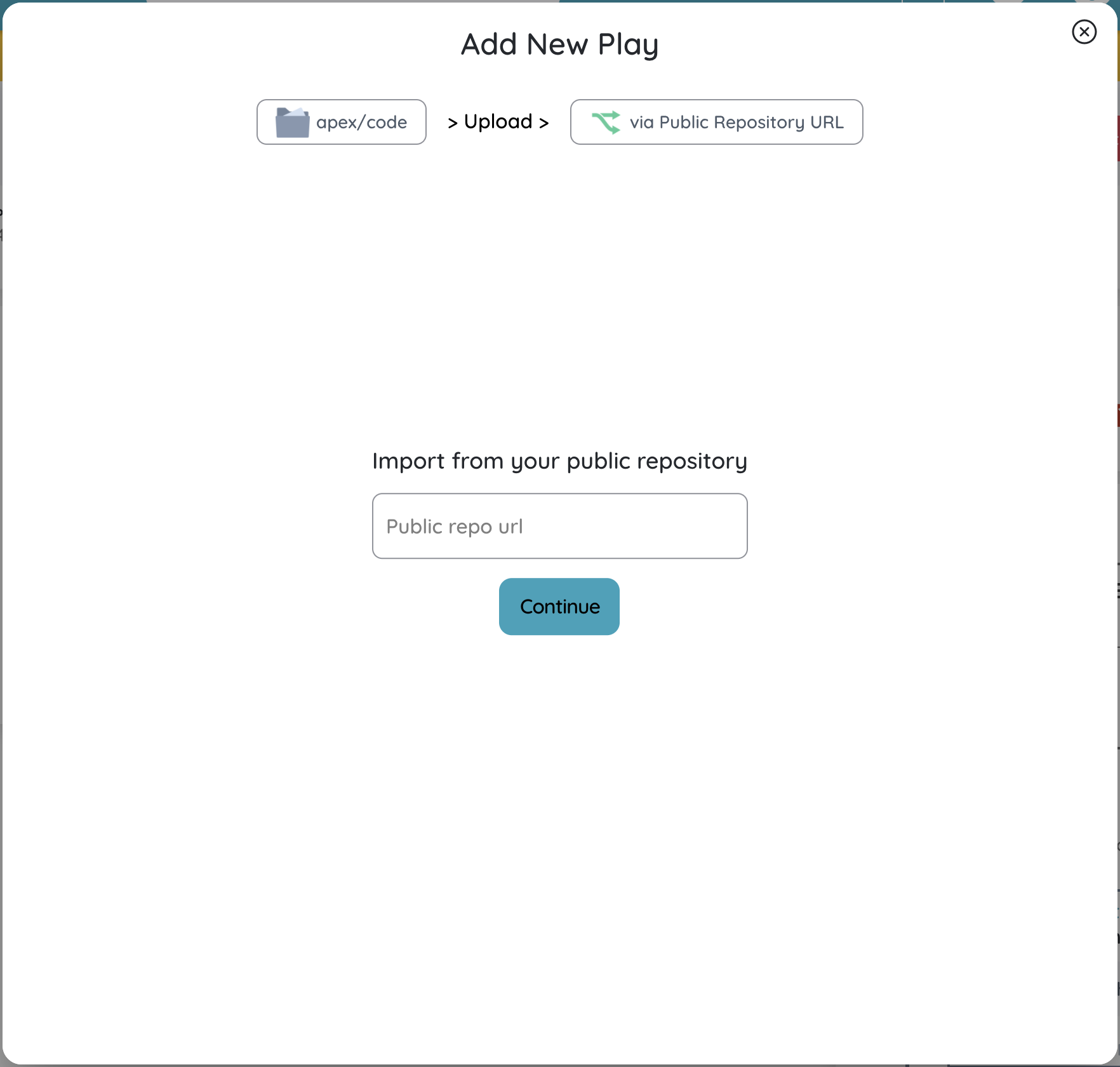
Import using Public repos
This option is available for all users. Users can upload their solutions directly from any source control(Github/Bitbucket) to Playground. This options requires a public url of your repo to setup a play so this means your repository should be public.
Import using Salesforce
Idea behind this import is to allow users to upload their solutions/metadata directly from Salesforce without going to any repo route. Users can now authorize any Salesforce org and actually select metadata that needs to be included into solution. Below are the screenshots to show all screens:
Screen to choose Salesforce org

Screen to select metadata types

Screen to select metadata components
